

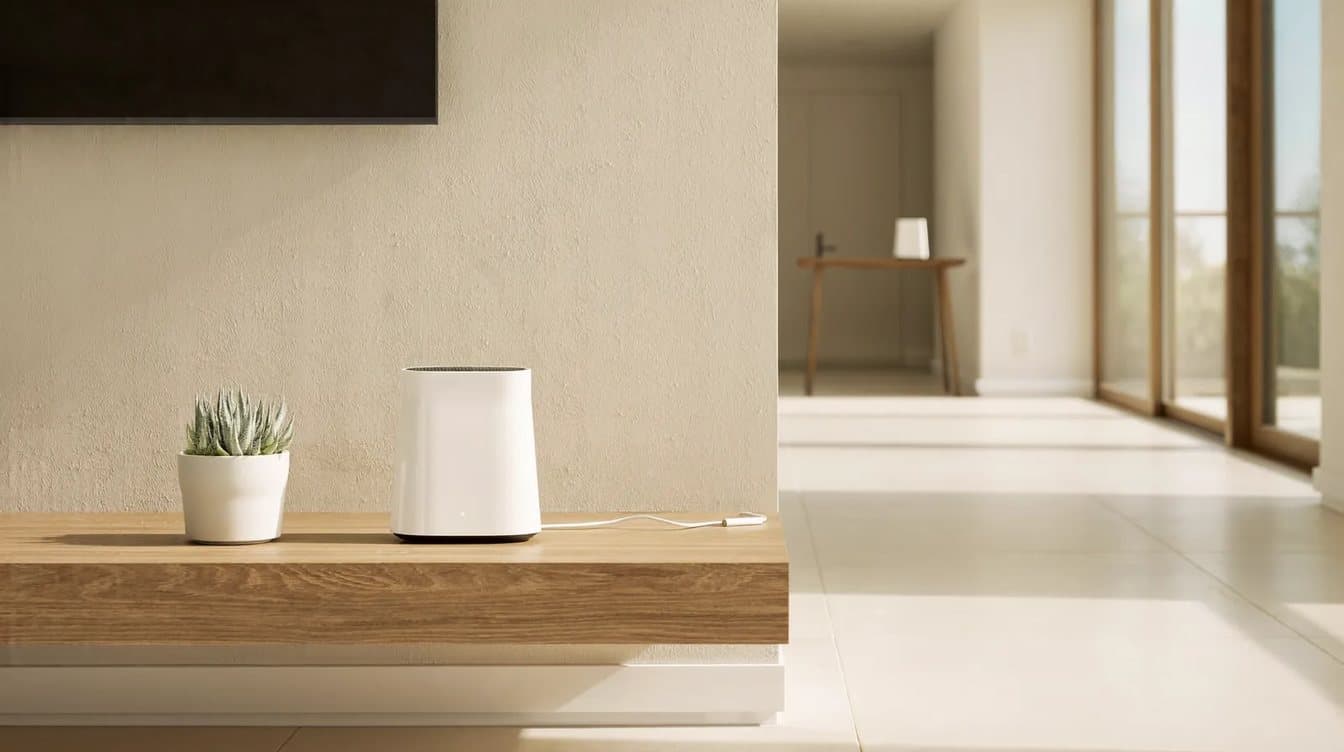
A WiFi extender vs mesh decision comes down to how much of your home needs help. If one room is weak, a well-placed extender can be enough. If several rooms drop out, or you would need more than one extender, a mesh system is usually the better fix. Before buying either, it is worth checking where your router sits, because placement alone can solve some WiFi and network problems.
Quick summary: An extender repeats your router's signal into one more area, and basic models can cut the available speed in half. A mesh system uses several units that work as one network with one name, so devices hand off between them as you move around. Try moving the router first. Use an extender for one problem room, and use mesh for whole-home coverage or homes where the internet line comes in at the far end of the house.
What is the difference between a WiFi extender and a mesh system?
An extender is a single device that picks up your router's WiFi and rebroadcasts it farther into the house. A mesh system replaces or works alongside your router with several units, often called nodes or satellites, that act as one network.
That difference matters in daily use:
- Network name. Many extenders create their own network, so your phone may need to switch from the router's network to the extender's. Mesh units share one WiFi name and password across the home (NETGEAR).
- Speed. A basic extender uses the same radio channel to receive data and send it back out, which NETGEAR says may reduce the available bandwidth by half.
- Handoff. Mesh systems are designed to guide devices to the best unit as you move around and to adjust as conditions change (Wi-Fi Alliance).
| WiFi extender | Mesh system | |
|---|---|---|
| Best for | One room or area just outside the router's reach | Whole-home coverage, larger or multi-level layouts |
| Network name | Often a second network | One name for the whole home |
| Speed in the extended area | Basic models can lose up to half | Many models use a separate channel to link the units |
| Setup | One device | Several units placed around the home |
When is a WiFi extender enough?
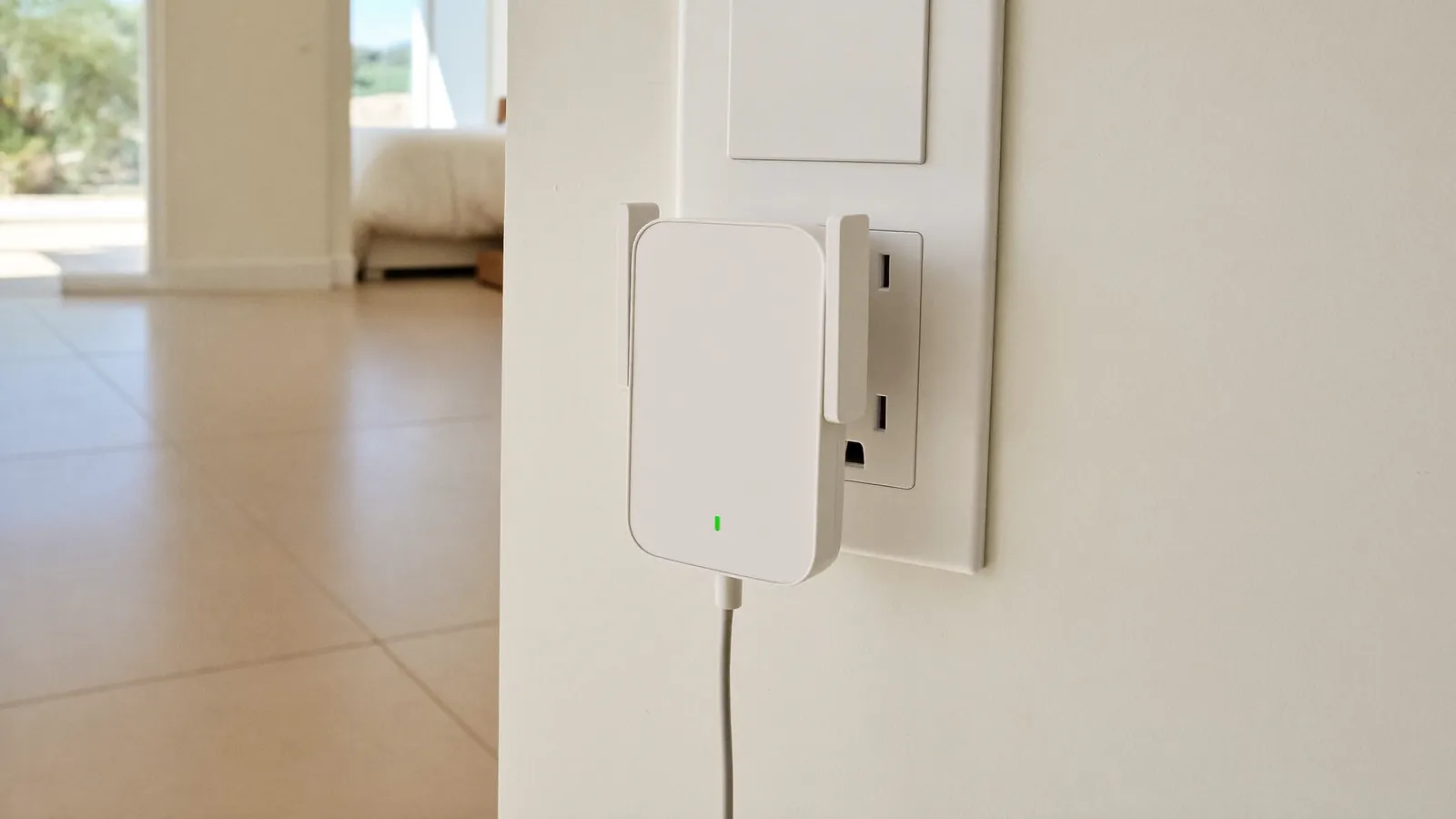
An extender is a reasonable choice when a single room sits just past the edge of good coverage, such as a back bedroom or a home office at the end of a hallway. It is a smaller purchase and a quick fix for one spot.
Placement decides whether it helps. TP-Link's guidance is to put the extender roughly halfway between the router and the weak area, and only where the router's signal is still strong (TP-Link). An extender plugged in at the dead spot itself has very little signal to repeat. If it cannot hold a steady connection, TP-Link suggests running a network cable from the router and using the extender in access point mode instead.
Expect some trade-offs. You may have a second network name to manage, and the speed in the extended room may be noticeably lower than next to the router. For checking email or streaming in one bedroom, that can be fine.
When is mesh WiFi the better choice?
Mesh is usually the better fix when weak spots show up in several rooms, on more than one floor, or outside on a patio. NETGEAR describes mesh as the better fit when you want whole-home coverage with fewer drop-offs, and notes that considering more than one extender is a strong sign you are trying to solve a whole-home coverage problem. Many current mesh systems also use a dedicated channel just for the link between units.
Mesh also helps when your router has to stay where the internet line enters the house. If that is a garage, a corner closet or one end of a long single-story home, a mesh unit can carry the signal toward the middle without you moving the modem.
A mesh system works best when the units can talk to each other well. Google's Nest guidance suggests placing each extra point about halfway toward the area you want to cover and no more than two rooms away from the router or another point (Google Nest Help).
Should you move the router before buying anything?
Yes. Router placement is free to change, and it can solve a dead zone on its own.
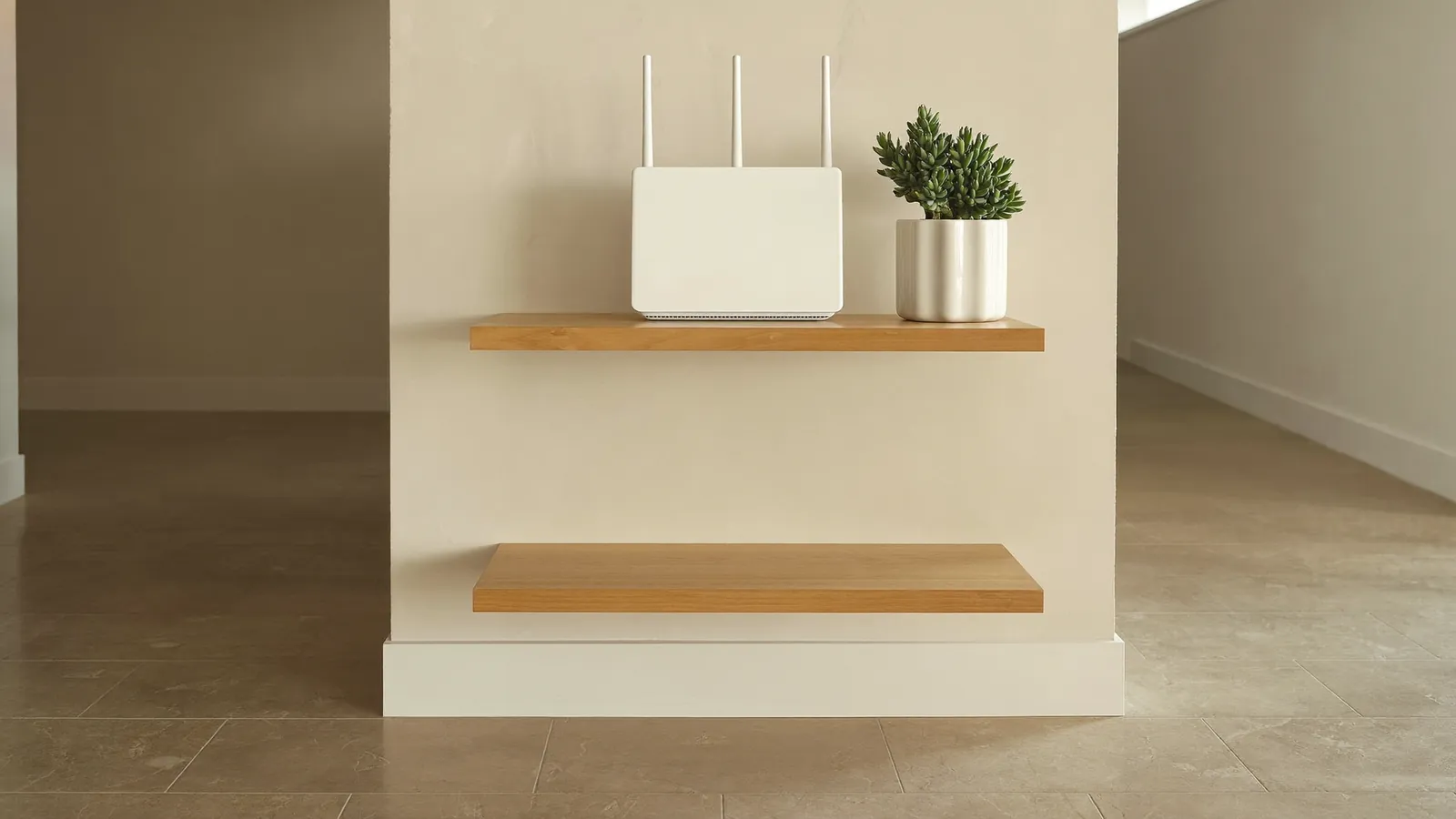
Look at where the router is now and compare it with these basics:
- Central and raised. Put the router near the middle of the area you want covered, off the floor, on a shelf or table rather than behind the TV or inside a cabinet (NETGEAR Support).
- Away from blockers. Large metal, stone and glass surfaces can block WiFi, as can mirrors and aquariums.
- Away from interference. Cordless phones, baby monitors, microwaves and other wireless gadgets can interfere with the signal.
If your modem's location keeps the router in a corner, that is often the point where an extender or mesh unit makes sense. If you already have two routers running, one from your internet provider and one of your own, sort that out first; our guide to a new router or internet provider explains why two separate networks cause devices to lose each other.
What does an in-home tech check before recommending one?
A good recommendation starts with the home, not the box on the shelf. During a WiFi visit, a technician typically looks at:
- Where the modem and router are, and whether the router can move
- Which rooms and devices have trouble, and when
- Whether a network cable can run between rooms for a wired link
- How many devices are on the network, including cameras, TVs and smart-home gear
- Security settings such as the WiFi password and a guest network
From there, the fix might be a better router position, a single extender for one room, or a mesh network installation for whole-home coverage. MMTS lists mesh installation and WiFi optimization among its network services, and the service page notes that basic optimization may take about an hour while a full mesh installation may take longer.
When to get in-home help in the Las Vegas area
If you have already tried an extender and still lose signal, or you are not sure which option fits your layout, MMTS provides in-home tech support for homes across the Las Vegas area, including Summerlin, Henderson, Spring Valley and Pahrump. Our earlier post on WiFi setup in Las Vegas covers what a full setup visit includes, and the home computer repair page lists the other help available for households.
Write down which rooms are weak and which devices drop before the visit. When you are ready, book an appointment or call (702) 829-6914.
Frequently asked questions
Will a WiFi extender slow down my internet?
It can in the area the extender covers. Basic extenders use the same channel to receive and resend data, which may cut the available bandwidth by about half. Devices close to the router are not affected.
Where should I put a WiFi extender?
Roughly halfway between the router and the weak area, in a spot where the router's signal is still strong. Walls and other obstacles may mean placing it closer to the router than you expect.
Do I need a new router to get mesh WiFi?
Not always. Many mesh systems connect to your existing modem or router, with one unit linked by a network cable. Whether your current router stays in charge or is set to a different mode depends on your equipment, so check that before changing settings.
Is mesh worth it for a small home or apartment?
For a small space with one weak corner, moving the router or adding one extender may be enough. Mesh earns its cost when several rooms or floors need reliable coverage.
Sources
- NETGEAR, "WiFi Extender vs Mesh WiFi: Which is Better?" (updated September 14, 2026): https://www.netgear.com/hub/technology/wifi-extender-vs-mesh-wifi-which-is-better/
- Wi-Fi Alliance, "Wi-Fi EasyMesh": https://www.wi-fi.org/alternative-topologies
- TP-Link, "Wi-Fi Extender Placement": https://www.tp-link.com/us/support/faq/3103/
- Google Nest Help, "Where to place your Wifi devices": https://support.google.com/googlehome/answer/7183150
- NETGEAR Support, "Where should I put my NETGEAR wireless access point for optimal WiFi network performance?": https://kb.netgear.com/000065251/Where-should-I-put-my-NETGEAR-wireless-access-point-for-optimal-WiFi-network-performance