

If you live in Pahrump, you already know that “the city” is a 60-mile drive each way, summer afternoons routinely top 110°F, and the wind off the valley can coat anything outside in a fine pinkish dust within a single afternoon. Your computer notices all of it. It just doesn’t know how to tell you in plain English. What it does instead is get slower, hotter, and crashier — until one Tuesday morning Outlook takes three minutes to load and you finally type “slow computer repair Pahrump” into your phone, hoping someone within driving distance actually answers.
I’m Matt with Matt’s Mobile Tech Support. I’m based in the Las Vegas valley and I make scheduled trips out to Pahrump for in-home computer repair, tune-ups, virus removal, Wi-Fi setup, and new-computer migration. This guide walks through why Pahrump computers slow down in ways that are slightly different from their Las Vegas cousins, what you can do yourself this afternoon, and what’s worth waiting for a real visit.
A Slow Computer in Pahrump Is Rarely “Just an Old Computer”
The default reaction to a slow computer is the same in Pahrump as it is anywhere else: “It’s old, I should buy a new one.” Sometimes that’s true. Far more often, your computer is slow for one of six very specific reasons — and almost none of them are solved by a $900 trip to the big-box store on Charleston.
- Heat throttling. Modern CPUs slow themselves down on purpose when they get too hot. Pahrump summers turn that into a daily event for laptops sitting in a sun-warm office or a desktop tower tucked under a desk with poor airflow. The computer isn’t broken — it’s just protecting itself, repeatedly, every hour, for six months.
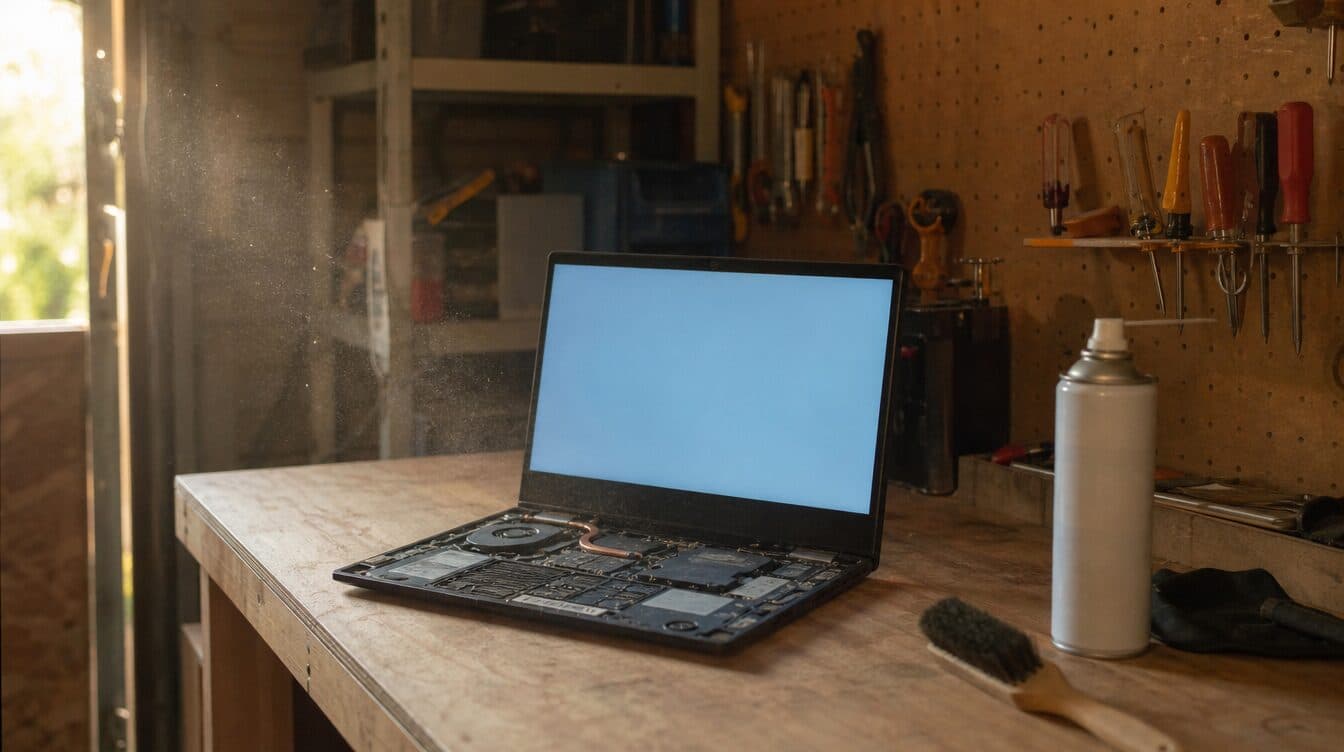
- Dust-clogged fans and heat sinks. Desert dust is fine, abrasive, and gets everywhere. A tower that hasn’t been opened in three years can look like a dryer lint trap on the inside. The fans spin twice as hard, the heat sink can’t shed heat, and the system runs at half speed.
- Slow hard drives that should be SSDs. If your computer is more than five or six years old, there’s a good chance it still has a spinning hard drive. Replacing it with a modern SSD is the single biggest speed upgrade available — usually $80–$150 in parts and one visit. It’s the difference between “boots in 90 seconds” and “boots in 10.”
- Background bloat. Manufacturer-installed software, browser toolbars, “free trial” antivirus that’s been begging for $99/year since 2019, autoupdaters that fight each other at boot. None of this is malware; it just adds up to a computer that’s busy with itself before it ever loads what you actually want to do.
- Malware that’s quietly mining or spying. A surprising amount of “slowness” is actually a low-grade infection — a crypto-miner using 50% of the CPU in the background, or a hijacked browser running 14 invisible ad tabs. A free antivirus scan often misses these.
- A network problem masquerading as a computer problem. Pahrump’s residential internet is not Las Vegas’s residential internet. If your DSL or cellular signal drops in the late afternoon, Outlook waiting on a server you can’t reach looks identical to “Outlook is broken.” It’s not.
Diagnosing which of these is going on takes about 15–20 minutes with the right tools. Buying a new computer to “solve” the wrong one will only buy you a faster version of the same problem.
The Pahrump Tax on Doing Nothing
The part of “doing nothing” that doesn’t show on a receipt:
- Heat shortens hardware lifespan. An SSD or laptop battery cooked for two summers ages in dog years. A tune-up now is cheaper than a hardware replacement next May.
- Dust eats fans and bearings. Once a fan starts to whine, the bearings are usually 6–12 months from giving out. Replacing a $30 fan early is much cheaper than waiting for thermal damage to the GPU or motherboard.
- “Slow” trains you to use the computer less. I’ve watched Pahrump retirees give up on hobbies they enjoyed — digital scrapbooking, ancestry research, photo editing — because the computer made it miserable. That’s not nothing.
- A new computer doesn’t migrate itself. Buying replacement hardware without an experienced setup almost always leaves files, emails, and printer drivers behind. The “savings” gets eaten by 8 hours of frustrated DIY transfers.
- The drive that fails completely is the one you stopped trusting six months ago. If your hard drive is making clicking sounds or your computer has hung on shutdown twice this month, it’s telling you. Free data recovery is a now-only opportunity.
In-Home Pahrump Computer Repair, Done Right the First Time
Here’s how an appointment with Matt’s Mobile Tech Support typically goes for Pahrump residents.
1. Book ahead — Pahrump is by appointment
Because Pahrump is a longer drive than my in-valley appointments, I batch Pahrump visits onto specific days when several clients are queued up. That keeps the trip economical for everyone — no per-mile travel surcharge, just my flat residential rate. Call (702) 829-6914 or book online and I’ll fit you into the next Pahrump trip, usually within a few days. If you have a neighbor, family member, or friend who could also use a tune-up, mention it — I can often do two or three Pahrump appointments back-to-back on the same trip.
2. Diagnose on-site, in your real environment
A real diagnostic includes drive health (SMART data, not just “looks fine”), memory testing, CPU temperatures under load, startup program audit, malware scan with multiple engines, and a network speed check at the actual times your internet feels slowest. Most of this takes 15–30 minutes and tells me exactly what’s worth doing — and what isn’t.
3. Quote before work, flat rate
Residential labor is a flat $125/hour ($150 for businesses), with parts at cost — no markup, no monthly subscriptions, no “premium support” gimmicks. You get a clear quote before I start.
4. The Pahrump tune-up usually includes
- Slow computer repair — SSD upgrade, RAM upgrade, full system speed restore
- Internal cleaning — fans, heat sinks, and vents (this matters more in Pahrump than almost anywhere else I service)
- Thermal paste replacement for older CPUs that have been running hot for years
- Virus and malware removal — pop-ups, browser hijackers, mining software, fake “cleaners”
- Wi-Fi setup and signal fixes — covering large lots, outbuildings, and the back bedroom
- Printer reconnects after router or driver changes
- New computer setup — migrating your full life from the old machine to a new one without losing photos, email, or printer drivers
- Smart-home setup — cameras, thermostats, doorbells, voice assistants
- Backup configuration so the next problem is an hour, not a panic
I work on PCs and Macs equally — Windows 10/11, current macOS releases, and most older systems still doing useful work.
5. I leave the place better than I found it
Cables tucked back behind the desk. The dusty tower vacuumed out and ventilated. A small written summary of what I did and what to watch for. An automatic backup running so the next problem — virus, drive failure, monsoon power blip — is a small, recoverable inconvenience rather than a catastrophe.
Share the Tech Relief — Refer a Pahrump Neighbor, Save $25 Each
Pahrump is a small enough town that word travels fast — and that works in your favor. When you refer a friend, neighbor, or family member to Matt’s Mobile Tech Support and they book their first appointment, both of you get $25 off your next service. There’s no app, no code, no expiration. Just have them mention your name when they call (702) 829-6914, and I credit your account on the next visit.
It’s called Share the Tech Relief for a reason. Refer enough neighbors and a future tune-up is essentially free. And because I batch Pahrump appointments, two clients on the same trip is also a faster trip for everyone — referrals help me get out there more often, which helps you get faster service.
Frequently Asked Questions About Pahrump Computer Repair
Do you work on PCs and Macs?
Yes — both. Windows 10 and 11 PCs, current and older macOS versions, plus most Linux setups. The same flat residential rate ($125/hour) applies regardless of platform. I bring USB drives, replacement RAM, SSDs, cleaning tools, network testers, and a full diagnostic kit so I can resolve most issues in a single visit without sending you back out for parts.
How fast can you get to a Pahrump address?
Pahrump is a longer drive than my in-valley appointments, so I batch Pahrump visits onto specific days, usually within a few days of your booking. If you call and let me know your situation, I’ll fit you into the next scheduled Pahrump trip and confirm an arrival window the day before. Same-day Pahrump appointments are sometimes possible but the norm is 2–4 days out. There’s no per-mile travel surcharge — you pay the flat residential rate just like any in-valley client.
How does the Share the Tech Relief referral program work?
Refer a friend, family member, or neighbor to Matt’s Mobile Tech Support. When they book and complete their first appointment, you each get $25 off your next visit. No expiration, no minimum spend, no limit on how many people you can refer. Tell them to mention your name when they call (702) 829-6914 and the credit lands automatically.
Should I just buy a new computer?
Sometimes — but a lot less often than the big-box counter will tell you. A real tune-up (SSD upgrade, fan cleaning, malware removal, OS update, autostart cleanup) restores most slow computers to near-new performance for $150–$350 in parts plus labor. Even on a 6-or-7-year-old machine, that’s almost always cheaper than a new computer plus the hours of data migration that come with it. I’ll always tell you honestly when a machine is genuinely at end of life — but I won’t push you into a replacement that isn’t warranted.
Ready to Get Your Pahrump Computer Working Like It Used To?
You don’t need to load a desktop tower into the back of your truck and drive it to Las Vegas. Most Pahrump slow-computer problems are solved at your kitchen table — with a real diagnostic, an SSD upgrade if it’s earned, a thorough cleaning of the dust the desert keeps depositing inside your machine, and a clear quote before any work begins.
📞 Call or text Matt at (702) 829-6914 to get on the next Pahrump trip, or book online. PCs, Macs, networks, printers, smart-home gear — if it’s set up at home, I’ll service it at home. And if a friend already sent you my way, mention their name so they get their $25 Share the Tech Relief credit too.