
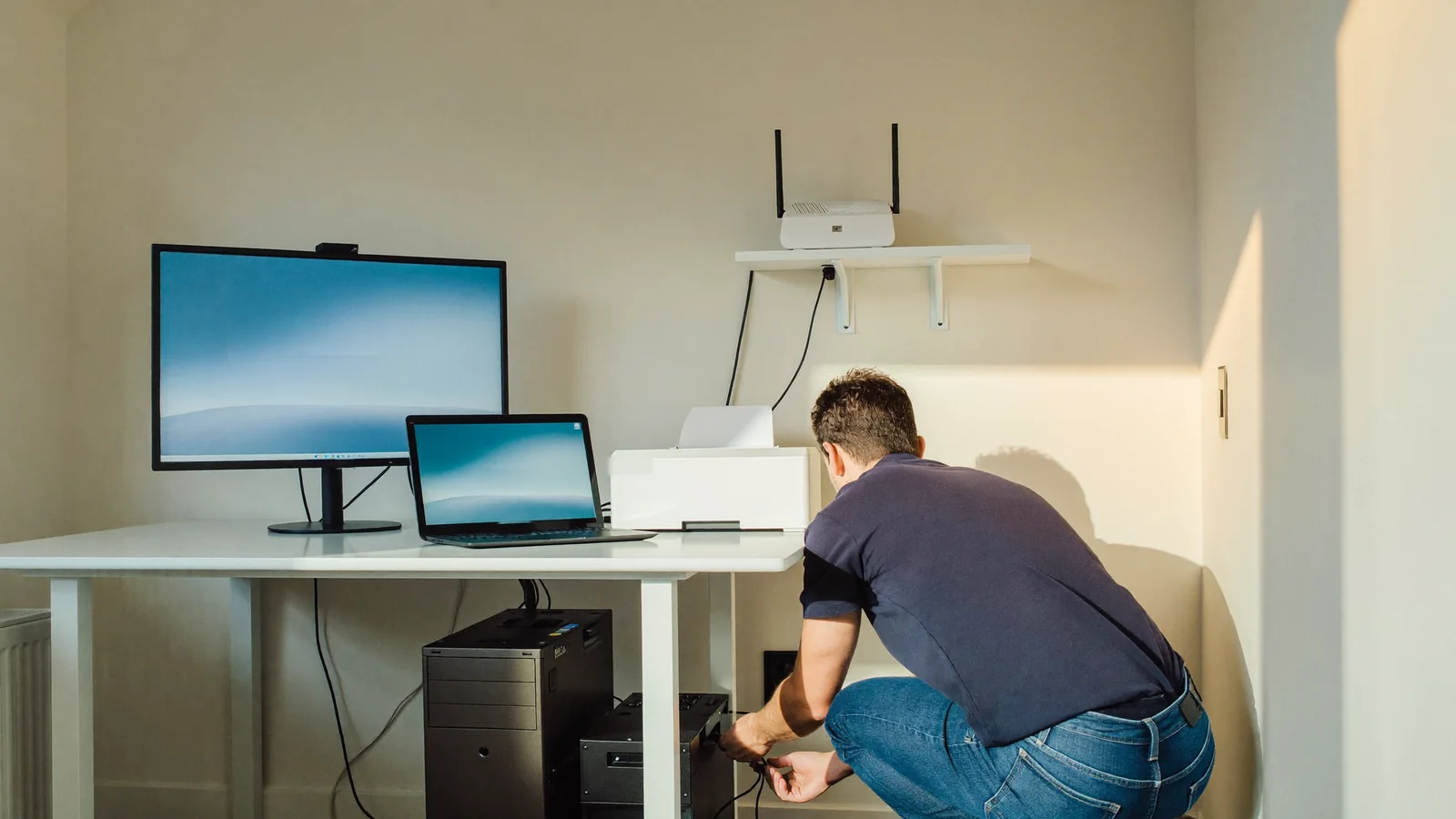
Small business computer support covers the everyday problems that stop a small office from working: slow or broken PCs and Macs, Wi-Fi and printer trouble, email setup, backups and malware. MMTS provides it on-site across the Las Vegas Valley, with no contract. See the full small business IT support page for what is and is not included.
Quick summary: MMTS (Matt's Mobile Tech Support) is run by owner Matt Vinciguerra, who does the jobs himself. For a small office, the useful question is not "which IT company is biggest" but "what do I need handled, and how fast can someone come?" On-site support fits offices that want to call a technician when something breaks. It does not replace a managed-IT contract, server management or network cabling, and MMTS does not offer those.
What does small business computer support include?
It includes hands-on help with the computers and devices your staff use every day. According to the MMTS small business page, the services are:
- Workstation setup and repair (PC and Mac)
- Network setup and troubleshooting
- Printer and scanner setup
- Email setup and migration
- Data backup
- Security checks and malware removal
- New-employee computer setup
- Software installation
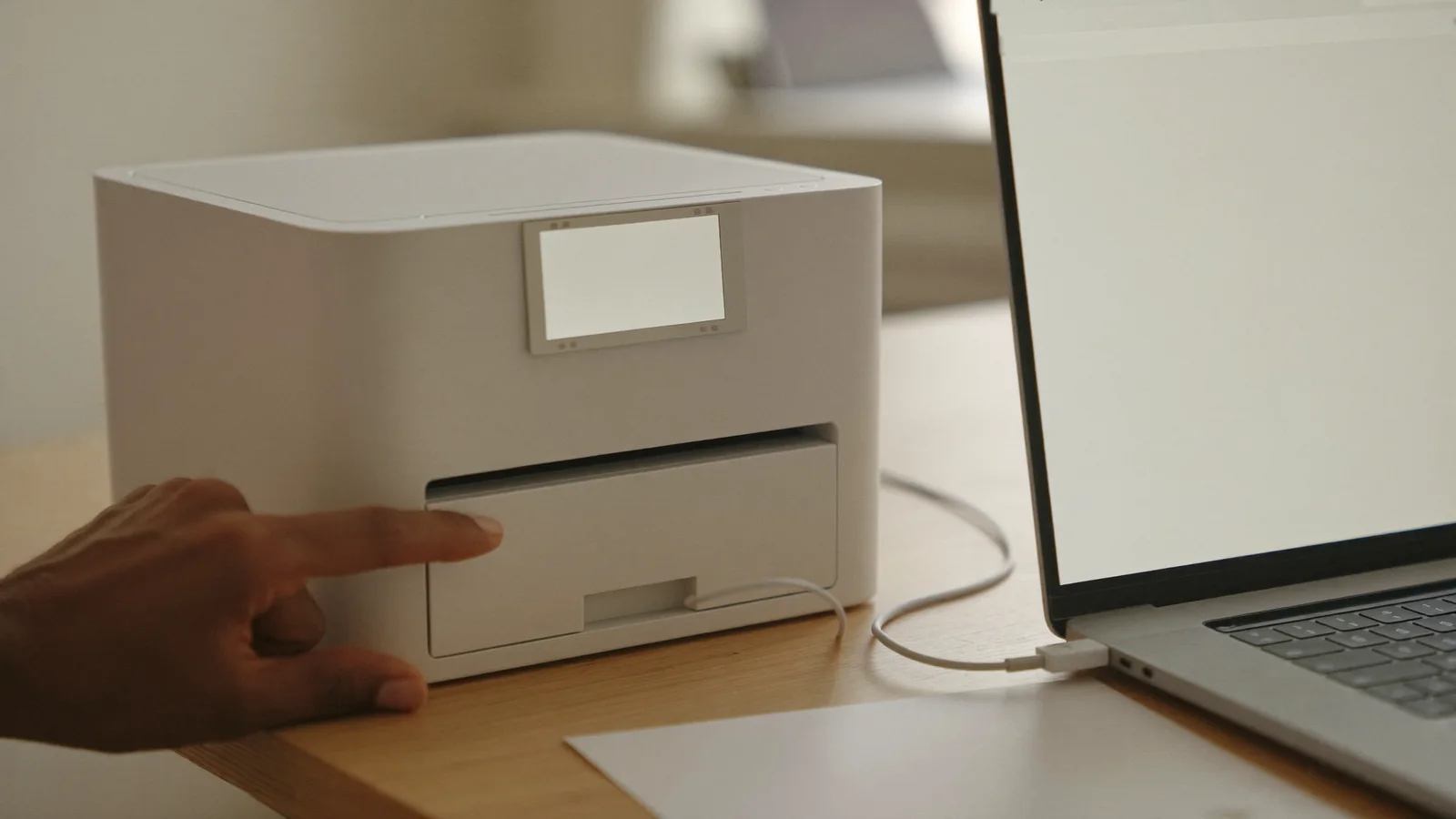
In practice, that covers a front-desk PC that will not start, a printer that nobody can find from their laptop, a new hire who needs a working computer on Monday, or a pop-up that keeps taking over a browser. Each of these has its own page: WiFi and network setup, printer setup and repair, new computer setup and virus and malware removal.
What is not covered?
Some jobs are outside what a one-person, on-site service does. MMTS says it does not repair cracked screens or broken cases on laptops or phones, and it does not take on server management, network cabling or managed-IT contracts. If you need one of those, the page says Matt can recommend someone who does.
Knowing this up front saves a wasted call. If your office runs its own server, or you want a provider that monitors your systems around the clock under a monthly agreement, you are looking for a different kind of service.
Is on-site support the right fit for your office?
It is usually a good fit when your needs are occasional and practical: a handful of computers, one or two printers, a router and an email setup. You call when something goes wrong, someone comes to your office, and you pay for the work rather than a standing plan. The MMTS page describes this as no contracts, direct communication with the technician instead of a call center, and scheduling around your operations.
It is less of a fit if you need a team available at every hour, if you have servers to manage, or if a rule in your industry requires a particular kind of IT arrangement. In those cases, ask a managed-IT provider about it.
What should you have ready before a visit?
A few minutes of preparation helps you use the appointment well. Before the technician arrives, gather:
- A list of the problems, in order of how much they slow your day
- Exact messages, such as an error on screen or a printer that says "offline"
- Which devices are affected, and whether it is one person or the whole office
- An authorized person who can sign in to email, the router and key software during the visit
- Anything that changed recently, such as a new router, a software update or a new employee
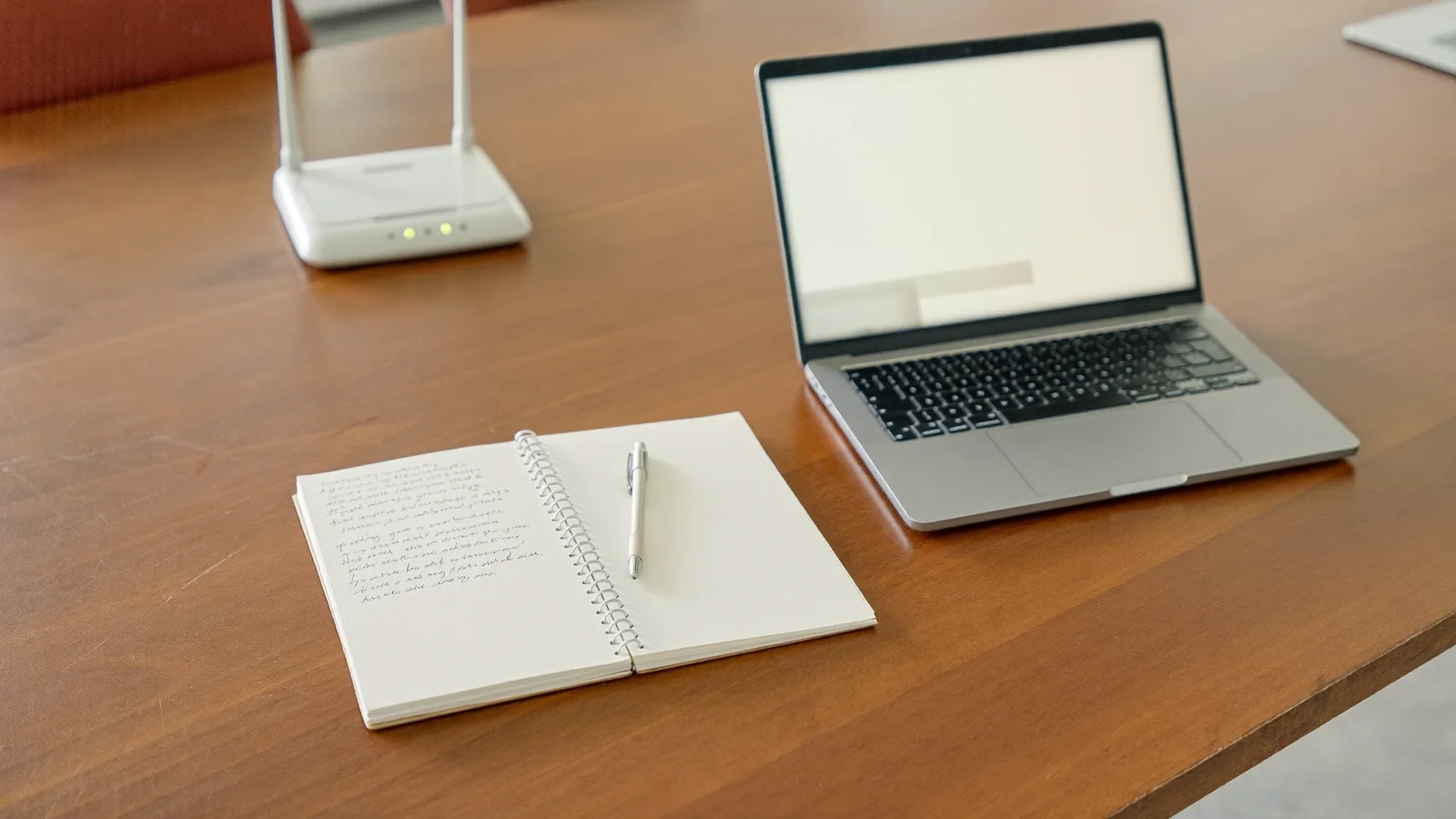
Choose a time when someone who uses the affected equipment can demonstrate the problem. For a printer issue, have a sample document ready on the computer that cannot print. For an email issue, note whether sending, receiving or signing in is failing. These details give the technician a clearer starting point.
Before the visit ends, ask for a plain-English explanation of what changed and try the task that originally failed. Print from the affected laptop, open the needed files or check email with the technician present. Ask which follow-up steps you should handle and which need another appointment.
MMTS says that if a job needs parts or more time than expected, Matt gives you an estimate before going ahead. The service pages add that parts are extra and always quoted first.
What basic habits prevent common small-office problems?
A few routines can reduce common small-office technology problems. The FTC's cybersecurity guidance for small businesses recommends that you:
- Update on a schedule. Set a schedule for updating programs, apps, web browsers and operating systems, and turn on automatic updates.
- Back up regularly, off the network. Back up your data regularly and make sure the backups are not connected to the network.
- Use multi-factor authentication. Require it to protect sensitive information.
- Train your staff. Train employees on a regular schedule, and consider running phishing simulations (FTC, Cybersecurity for Small Business, September 2025).
If you are not sure your backups would actually restore, or an update keeps failing, those are good reasons to ask for help. Data backup and security checks are both on the MMTS small business service list.
How does a visit work and what does it cost?
You book online or call, and Matt comes to your office. The small business page lists these terms:
- A 1-hour minimum, with parts extra and always quoted first
- No Fix, No Fee: if Matt cannot fix the problem, you do not pay for the visit, and the minimum does not apply. Parts bought with your approval are billed at cost (see the terms on the page)
- A trip charge that may apply for extended travel time
- Hours of 7 days a week, 9 AM to 8 PM
- Support for both Windows PCs and Macs
- Payment by cash, check, credit card, Venmo, PayPal or Zelle
The current business rate is posted on the small business page, so check it there before you book. Rates can change, so confirm the rate and any travel charge when booking.
Where does MMTS work?
MMTS comes to homes and offices across the Las Vegas Valley and out to Pahrump. The areas page lists the areas served, including Summerlin, Henderson, Spring Valley, Enterprise and North Las Vegas. If you are not sure your address is covered, call and ask.
Ready to get your office back on track?
Write down your top problems, then book an appointment or call (702) 829-6914. If you are still choosing between a repair shop and a visit to your office, our earlier post on on-site tech relief explains the difference.
Frequently asked questions
Does MMTS offer managed IT services?
No. The small business page says MMTS does not take on managed-IT contracts, server management or network cabling. It is an on-site, call-when-you-need-help service.
Do I need a contract?
No. The page lists "no contracts": you pay only when you need help. For example, you can ask for help setting up a new employee's computer or fixing an existing workstation without committing to ongoing management.
Can you support Macs as well as Windows PCs?
Yes. The page lists Windows PCs and Macs, and workstation setup and repair covers both.
What are your hours?
MMTS lists 7 days a week, 9 AM to 8 PM. The page also describes flexible scheduling around your business.
Sources
- Federal Trade Commission, "Cybersecurity for Small Business" (page dated September 2025; checked October 27, 2026)
- MMTS, "Small business IT support in Las Vegas" (read October 27, 2026)
- MMTS service pages: WiFi and network setup, printer repair, new computer setup and virus removal