

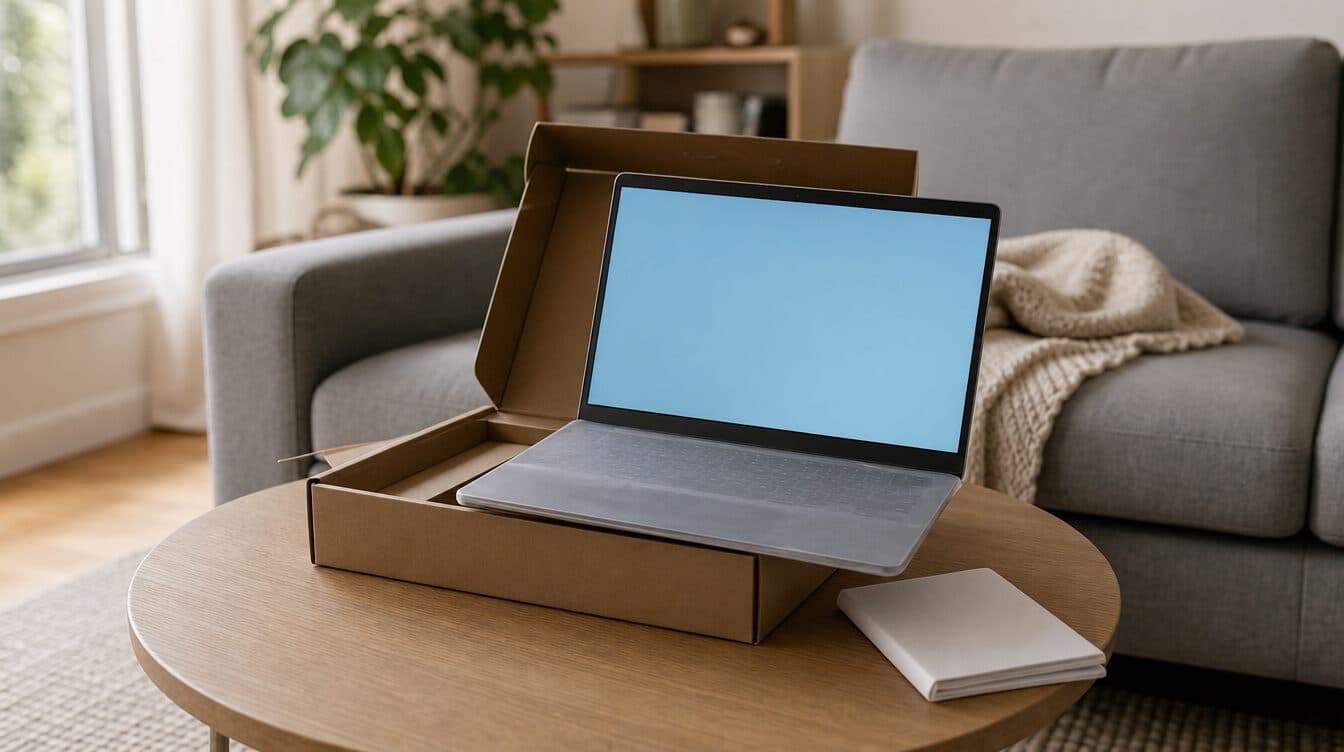
A new computer out of the box is not the same thing as a computer that is actually ready to use. New computer setup in Henderson usually means more than turning the machine on and clicking through the first few screens — it means your files are where you expect them, your passwords work, the printer connects, and the software you use every day is installed and signed in. Skip any one of those steps and the “new computer” feeling wears off fast, usually around the third time you go looking for a file that never made the move.
Matt provides on-site new computer setup for homes and small offices throughout Henderson. Whether the new machine is a replacement for something old and slow or the first computer for a home office, the goal is the same: hand it back working the way the old one did, minus the problems.
Quick Summary
- A complete setup moves your files, signs in your accounts, and reinstalls the software you actually use — not just what came preloaded.
- Passwords, browser bookmarks, and saved logins are easy to lose in a computer switch if they are not handled deliberately.
- Printers, Wi-Fi, and any other household devices need to be connected and tested on the new machine, not assumed to carry over.
- If the transfer stalls or a program will not activate on the new computer, Matt’s new computer setup support can finish it at your home.
What This Guide Covers
- What a real new computer setup in Henderson includes
- Moving your files, accounts, and passwords
- Installing the software you actually use
- Connecting printers, Wi-Fi, and other devices
- Testing before we call it done
- When on-site setup makes sense in Henderson
- Frequently asked questions
What a real new computer setup in Henderson includes
Out of the box, a new Windows or Mac computer is set up for a stranger, not for you. The account is generic, the desktop is empty, and every piece of software you rely on — email, browser bookmarks, photo storage, accounting or scheduling tools — has to be reinstalled and signed back in one at a time. A store display or a rushed unboxing rarely covers all of that, which is why so many “new” computers spend their first few weeks half set up, with files stuck on the old machine and logins that need to be reset.
A proper new computer setup in Henderson treats the new machine as a full replacement for the old one, not just a faster box. That means checking what programs and files exist on the old computer first, deciding what actually needs to move, and working through the new machine in order — operating system updates, user account, files, software, devices — rather than installing things randomly as you remember them.
Moving your files, accounts, and passwords
File transfer is where most DIY setups go wrong. Photos live in three different folders, documents are split between the desktop and a cloud drive, and nobody remembers where the tax files ended up. Before moving anything, it helps to get a clear picture of what is actually on the old computer — not just the obvious Documents folder, but browser bookmarks, email accounts, saved Wi-Fi passwords, and any password manager or browser-saved logins.
Passwords deserve their own pass. A computer switch is one of the more common ways people get locked out of their own accounts, usually because a saved login only existed in one browser on the old machine. Signing back into email, banking, and work accounts on the new computer — and confirming two-factor authentication still works — is worth doing deliberately rather than one frustrating login attempt at a time.
For households or small offices in Henderson with a lot of accumulated files, a guided transfer usually finishes faster and with fewer gaps than copying folders back and forth over a weekend.
Installing the software you actually use
New computers come with a short list of preinstalled software and a long list of things you will need to add yourself: your specific browser, email client, office or accounting software, photo editing tools, and anything specific to your work. Some of these need a license key or account login recovered from the old machine, which is easier to track down before the old computer gets put away.
This is also a reasonable point to remove the trial software and manufacturer add-ons that ship with most new computers. A machine that starts clean, with only the programs you actually use, tends to stay faster longer than one carrying six unused trial apps from day one.
Connecting printers, Wi-Fi, and other devices
A new computer does not inherit your printer, Wi-Fi network, or other devices automatically — each one has to be added and confirmed on the new machine. Join the correct Wi-Fi network first, since printers and some smart-home devices depend on being on the same network as the computer. If you are also getting a printer set up or reconnected as part of the move, printer repair and setup support can be handled in the same visit.
External drives, scanners, webcams, and any specialty peripherals should be plugged in and tested individually rather than assumed to work because they worked on the old computer. Driver software is often specific to the machine, not just the device, so a peripheral that ran fine for years can need a fresh install on a new computer.
Testing before we call it done
A setup is not finished when the desktop looks familiar — it is finished when the computer has been used the way you actually use it. Open the programs you rely on daily and confirm they are signed in and working, not just installed. Print a test page. Check that photos and documents that were supposed to transfer are actually present and open correctly, not just visible as file names.
It is also worth checking anything tied to your specific setup: a second monitor, a scanner used for a home business, a VPN for remote work, or backup software that needs to be pointed at the new computer. These are the details that get missed in a rushed setup and show up as a problem weeks later, usually at an inconvenient moment.
When on-site setup makes sense in Henderson
Some new computer setups are simple: one user, a handful of programs, and a straightforward file transfer. Others involve years of accumulated files, multiple accounts, work-specific software, or a small office with several machines that all need to move at once. On-site help is most useful in that second group, where getting everything moved correctly the first time saves real time compared to troubleshooting gaps later.
Matt provides in-home and small-office new computer setup throughout Henderson and the surrounding Las Vegas Valley. If you have a new computer waiting in the box, or one that is set up halfway and stuck, you can book an appointment or contact Matt to get it finished at your location. Related reading: our guide to computer repair in Henderson covers what to do when an existing machine is the one having problems.
Frequently Asked Questions
How long does a new computer setup take?
It depends on how much needs to move — a light setup with a few accounts and modest files can be quick, while a full transfer for a longtime computer with years of files, several programs, and multiple devices takes longer. An in-home visit lets that get sized up accurately instead of guessed at.
Can you move my files from an old computer that is slow or having problems?
In most cases, yes. Files can usually be recovered and transferred even from a computer that is running slowly or acting unreliably, as long as it still powers on and the drive is accessible.
Will my printer and Wi-Fi devices automatically work on the new computer?
No — each device needs to be connected to the new computer and the correct Wi-Fi network, then tested. This is one of the most commonly skipped steps in a rushed, self-managed setup.
What should I have ready for an in-home new computer setup visit?
Have both computers (old and new), their power cables, and any account logins or license keys you know off-hand available. If a printer or other device needs to be connected, having it at the same location saves a follow-up visit.
Need help with new computer setup in Henderson?
Matt can transfer your files, reinstall your software, and connect your printer and Wi-Fi at your home or office, then test everything before the visit is done. Book an appointment to get started.