

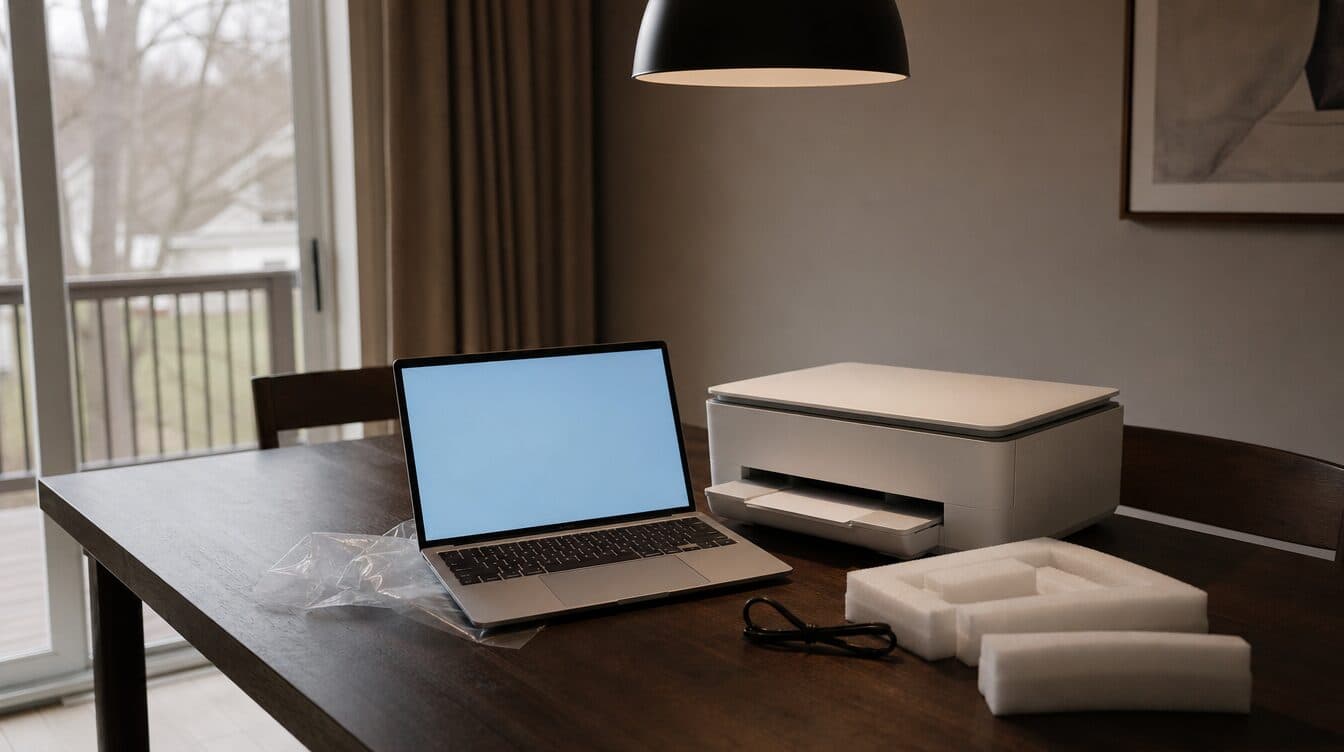
A new laptop and an existing wireless printer can both work perfectly on their own, yet still refuse to work together. If you are in North Las Vegas and need a printer connected to a new computer, the problem is often a setup detail—not necessarily a broken printer.
Quick Summary
- Confirm the laptop and printer are on the same home Wi-Fi network.
- Use the printer maker’s current setup method rather than an old installation disc.
- Check whether the printer is offline, paused, or assigned a changed network address.
- If multiple devices need to print, test each one before the setup is considered finished.
Start with the same network
Wireless printing depends on the laptop, printer, and router being able to see one another. Start by checking the Wi-Fi name on the new laptop. Then use the printer’s display or its setup utility to confirm it joined that same network. A printer that is still connected to an old router name, a guest network, or a neighbor’s saved network will not be available to the laptop.
It is also worth checking whether the home has more than one Wi-Fi band or network name. A new laptop may automatically join the strongest saved option while the printer remains on another one. That does not always prevent printing, but it can make discovery unreliable. Before changing settings repeatedly, write down the network name each device reports.
What changes when the laptop is new
A new computer may not have the printer software, driver, or saved device connection that the old computer used. It can be tempting to copy an old installer or use a disc that came with the printer years ago. A better first step is to use the printer’s current setup process and select the exact model. This helps the new laptop find the printer with the right connection method for the operating system.
Once the printer is added, print a simple test page. Then open the document type you actually use—such as a PDF, photo, or office document—and print one page from it. A printer can appear in the device list but still have a queue, paper, color, or application-specific issue that only becomes clear during a real test.
If you are also replacing an older computer, a careful new computer setup can include connecting the equipment you already rely on. That avoids discovering later that a printer, scanner, or saved file location was never carried over.
Why a printer can appear offline
“Offline” is a status, not a diagnosis. The printer may be asleep, out of range, connected to a different Wi-Fi network, paused in the laptop’s print queue, or using an old network address. Restarting everything can sometimes help, but it can also erase useful clues. Check the printer’s own status first, then the laptop’s printer list and queue.
For a home with phones, tablets, and more than one computer, test printing from each device that needs access. That turns a one-device fix into a complete setup instead of leaving another family member unable to print later. If the printer also scans, test that function separately; a working print connection does not automatically confirm scanning is configured.
When in-home help makes sense
It may be time for help when the printer works from one device but not another, when the Wi-Fi network keeps changing, or when setup prompts send you in circles. An on-site visit can check the laptop, printer, router, and the places you normally work from in one session. Matt provides printer repair and setup support as part of its mobile computer-help services in the Las Vegas area.
Before a visit, make a short list of the devices that should print and any error message you have seen. That gives the technician a useful starting point without relying on a long memory of every setup attempt. For broader connection problems, the WiFi and network setup service is also relevant.
Need printer setup help in North Las Vegas?
If a new laptop cannot find the printer you already use, Matt can help you check the connection at home or in your office. Contact Matt to discuss your computer and printer setup needs.
Frequently Asked Questions
Why can my phone print but my new laptop cannot?
The phone and printer may already be connected through a saved setup, while the new laptop has not been added yet. Check that the laptop is on the same Wi-Fi network and add the printer through its current setup method.
Do I need to replace a wireless printer when I get a new laptop?
Not necessarily. A new laptop often just needs the printer reconnected and tested. The printer’s age, condition, and available software can affect the exact steps.
Can one printer work with more than one computer?
Yes, when each computer is correctly connected to the same network and the printer is added on each device. Test each device individually after setup.